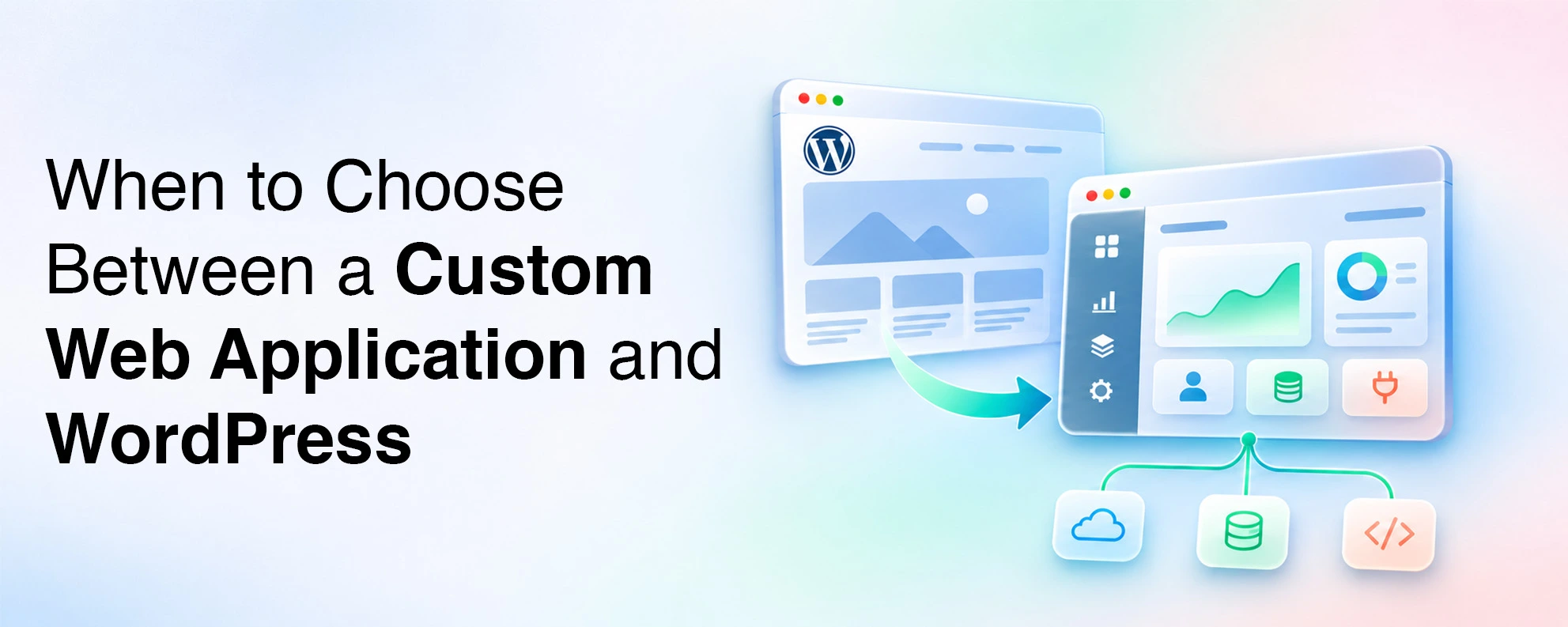
Your website looks professional. The contact form works. Customers can find your services.
Behind the scenes, your team copies enquiries into a CRM, checks availability in spreadsheets, and emails updates customers cannot access themselves.
Your website still does its original job. Your business, however, now needs something more.
A custom web application can connect those activities through software built around your customers, your team and your operating rules. It can turn a website from a place people visit into a system they use to get things done.
But does that mean every growing business should leave WordPress?
No. It is worth investing in if it solves measurable problems your current system can’t address well enough. Understanding that distinction can save you an expensive rebuild—or years of avoidable workarounds.
WordPress is a content management system. A ready-made theme controls much of a website’s appearance, while plugins extend its functionality.
A custom application is software designed around particular tasks, data and workflows.
These categories overlap. WordPress can support custom development, and its REST API allows developers to connect content with external applications. The meaningful comparison is between a mostly template-and-plugin setup and an application engineered for your requirements.
| Decision factor | Standard WordPress template setup | Custom Web Application |
| Primary purpose | Publishing, marketing pages and familiar website functions | Specific customer journeys and business operations |
| Initial delivery | Usually quicker when existing tools match requirements | Requires discovery, design, development and testing |
| Business rules | Configured through available features and extensions | Designed around agreed rules and exceptions |
| Integrations | Existing connectors may cover standard needs | Connections can support specific data flows |
| Content editing | Familiar CMS tools are readily available | Editing tools must be selected or built |
| Maintenance | Hosting, updates and compatibility checks | Hosting, dependency updates and application support |
| Main trade-off | Workarounds can accumulate as needs diverge | Higher initial effort and responsibility for the software |
Note: You can outgrow a WordPress template without leaving WordPress altogether.
1. Your Custom Web Application Business Case Starts With Repeated Manual Work
A customer submits a form. Someone retypes the details into a spreadsheet. Another person checks availability. A third sends a payment link.
Each step may take only minutes. Together, they create delays, duplicate effort and opportunities for mistakes.
Consider a training company managing registrations, eligibility checks, payments and attendance. A custom application could connect these activities so staff handle exceptions instead of repeatedly moving information.
Before discussing features, record three things:
Those figures form a stronger business case than “we need a more advanced website”.
2. A Custom Web Application Makes Sense When Business Rules Outgrow Plugins
Standard tools are useful when your needs are standard. They become harder to manage when several extensions must cooperate to deliver one essential process.
A B2B order, for example, might depend on negotiated prices, credit limits, regional stock and manager approval.
The challenge is making those rules work consistently throughout the transaction.
| Business requirement | What a purpose-built workflow could provide |
| Prices depend on quantity and customer agreements | A pricing engine using approved rules |
| Purchases need approval above a threshold | Approval routing with recorded decisions |
| Different locations have different availability | Location-aware stock and fulfilment logic |
| Customers need invoices and order documents | An authenticated document area |
| Exceptions require manual follow-up | Staff queues with clear status and ownership |
Some of these features can also be found in WordPress development. When selecting the two approaches, consider the implementation effort, reliability and future maintenance.
Adding a feature should move the business forward. If it repeatedly breaks another function, your team may be spending more effort preserving the setup than improving it.
Plugin dependency is not inherently a problem. Overlapping functionality, unclear ownership and poorly tested changes are.
WordPress’s own guidance recommends keeping plugins updated and taking a current backup before updating because problems can occur during the process.
An audit might show that removing redundant plugins, improving hosting and introducing a staging environment will resolve the issues.
If essential workflows still rely on fragile interactions, a more deliberate application architecture may be justified.
Note: The warning sign is how difficult the system has become to change safely—not simply how many plugins it contains.
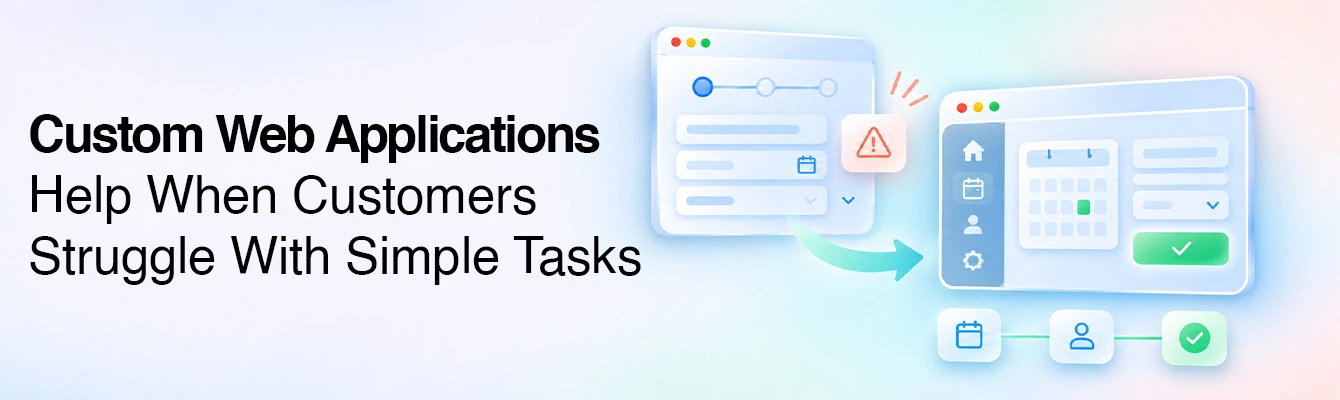
4. A Custom Web Application Can Help When Customers Struggle With Simple Tasks
Customers rarely care which platform powers your website. They care whether they can book, buy, apply or get an answer.
A premium design cannot compensate for a form that loses information or an account area that makes people call support for basic updates.
Baymard’s 2026 cart-abandonment statistics report that 17% of US online shoppers have abandoned an order because checkout was too long or complicated. This is e-commerce research, rather than evidence that one development platform converts better than another.
The useful question is where your own customer journey creates avoidable effort.
| Customer frustration | Design opportunity | What to measure |
| Re-entering the same details | Reuse relevant account information with appropriate controls | Form completion rate |
| Calling for progress updates | Clear self-service status information | Status-related support requests |
| Losing progress during an application | Save-and-resume functionality | Application completion rate |
| Seeing irrelevant options | Choices matched to the user’s situation | Task success rate |
| Receiving vague error messages | Specific guidance explaining the next step | Recovery after errors |
A custom application becomes valuable when it removes friction from a task that matters to customers and the business.
5. A Custom Web Application Is Worth Evaluating When Performance Fixes Hit a Wall
Slow websites are often blamed on WordPress. The platform name, however, does not diagnose the problem.
Images, third-party scripts, database queries, hosting and implementation choices all affect performance. Custom applications can suffer from the same weaknesses.
HTTP Archive’s 2025 Web Almanac reports that approximately 48% of mobile websites achieved good Core Web Vitals. Performance problems extend across the web.
A custom build gives developers control over what loads and how requests are processed. Whether that produces a faster experience depends on the implementation.
Before rebuilding, test the pages and actions that generate revenue.
| Area to test | Why it matters |
| Landing pages | Visitors need to understand the offer quickly |
| Search and filtering | Customers need relevant results without delays |
| Booking or checkout | Slow responses can interrupt high-intent actions |
| Customer dashboards | Returning users need reliable access to information |
| Peak-demand workflows | The system must remain usable when activity increases |
A fast homepage says little about an unresponsive booking calendar.
6. A Custom Web Application Becomes Valuable When Systems Cannot Stay in Sync
Your website says an item is available. The warehouse says otherwise. Sales have another price.
Disconnected systems create conflicting answers—and your team has to explain them.
A custom integration can connect your website with CRM, ERP, inventory, payment and reporting systems, subject to the capabilities and access those systems provide.
| Integration | Intended outcome | Question to resolve first |
| CRM | Consistent lead and account records | Which system owns each field? |
| Inventory or ERP | More reliable availability information | How quickly must updates appear? |
| Payments | Clear payment and refund status | How are duplicate notifications handled? |
| Accounting | Less duplicate entry | How are reconciliation exceptions resolved? |
| Reporting | Consistent operational measures | What counts as a completed transaction? |
Good integration planning includes failure.
If an external system becomes unavailable, the application needs a defined response: retry, alert the team, hold the transaction or explain the delay to the customer.
7. A Custom Web Application May Fit When Access Rules Become More Demanding
A customer should see their own documents. A branch manager may need access to one location. Finance may need payment records without permission to change operational data.
The requirements call for careful design of authorisations and testing.
A custom application can give you data controls, audit records and access rules that are specific to your business needs. Furthermore, it needs ongoing support, backup, monitoring, updates and secure development.
Custom software still uses frameworks, libraries and external services. It changes the dependency structure; it does not remove dependencies or automatically improve security.
It can, when research and testing shape the product.
The opportunity is to organise the experience around what people are trying to accomplish: compare options, complete a purchase, retrieve a document or resolve an issue.
Accessibility belongs in that work from the beginning.
WebAIM’s February 2026 evaluation found detectable WCAG failures on 95.9% of the one million homepages tested. Automated testing identifies only some accessibility barriers, so it cannot establish full conformance by itself.
| UX priority | Practical requirement |
| Clear navigation | People can identify where to start |
| Useful forms | Labels, instructions and errors make sense |
| Keyboard access | Core tasks work without a mouse |
| Mobile usability | Controls remain usable on smaller screens |
| Visible feedback | Users know whether an action succeeded |
| Recovery | Failed actions offer a clear next step |
Test actual tasks with representative users.
Watching someone struggle to upload a document can reveal more than another meeting about visual preferences.
The cheapest launch price does not necessarily produce the lowest operating cost.
Equally, a custom build can become expensive if requirements remain unclear or ongoing support is overlooked.
Compare both options over the same period and against the same scope.
| Cost area | Template-based setup | Custom application |
| Initial work | Theme setup, configuration and customisation | Discovery, UX, engineering and testing |
| Recurring software | Plugins, themes and external services | Infrastructure, services and relevant licences |
| Maintenance | Updates and compatibility management | Application and dependency maintenance |
| Operations | Staff time spent on remaining workarounds | Staff time plus management of automated exceptions |
| Future changes | Extension options and modification effort | Engineering within the chosen architecture |
| Transition | Cleanup or partial reconfiguration | Migration, training and potential parallel operation |
Request a total-cost estimate that includes support, migration, hosting and likely changes.
How Do You Calculate Custom Web Application ROI Without Guesswork?
Use a conservative scenario based on your own operating data.
The following is an illustrative example—not iDigitalize pricing or a client result.
| Item | Assumption |
| Initial implementation | ₹12,00,000 |
| Time saved each month | 100 hours |
| Loaded cost per hour | ₹600 |
| Monthly operational benefit | ₹60,000 |
| Additional monthly operating cost versus the current setup | ₹15,000 |
| Net monthly benefit | ₹45,000 |
| Simple payback period | Approximately 27 months |
The calculation is:
₹12,00,000 ÷ ₹45,000 = approximately 26.7 months.
This simplified example assumes the time savings are realised and have economic value. It excludes financing, taxes and changes in benefits over time.
If you include improved conversions, calculate the incremental contribution after costs rather than counting total sales revenue as the benefit.
There are three credible routes.
| Route | Best suited to |
| Improve the existing WordPress site | Content-led businesses whose problems can be resolved through design, configuration and performance work |
| Keep WordPress and add a custom application | Businesses needing editorial flexibility alongside a specialised portal or workflow |
| Rebuild around a custom application | Businesses whose core product depends on complex transactions, permissions or operational processes |
A company might retain WordPress for articles and service pages while introducing a separate customer portal for orders and documents.
That approach requires planning around authentication, navigation, analytics and data ownership. It can nevertheless avoid rebuilding parts of the website that already work well.
Start with one valuable workflow and define what improvement should look like.
| Stage | What should be agreed |
| Discovery | Users, workflows, bottlenecks and measurable goals |
| Scope | Essential features, exclusions and acceptance criteria |
| Architecture | Data ownership, integrations, access and expected demand |
| Prototype | Main journeys tested before full development |
| Build and testing | Functionality, security, accessibility and performance |
| Migration | Data checks, URL redirects and content preservation |
| Launch | Training, monitoring and rollback arrangements |
| Improvement | Results reviewed against the original baseline |
If organic search is delivering valuable enquiries, then migration planning needs to consider existing URLs, redirects, metadata, indexing and analytics.
A successful software launch should preserve the routes customers use to find your business.
Bring iDigitalize the workflow that is slowing your business down: the delayed quotation, the repeated data entry or the customer request that always ends in a phone call.
A useful development brief should establish:
Ask for a recommendation that compares improving WordPress, adding a dedicated application and rebuilding where necessary. The proposal must clearly define the scope, assumptions, ownership, support and recurring costs.
Are you ready to investigate a custom web application? Talk to iDigitalize About Your Workflows, Integrations and Growth Needs.
1. Is a Custom Web Application better than WordPress for every business?
No. WordPress can be a strong choice for publishing, service websites and many e-commerce requirements. Custom development is more relevant where specialized workflows, data relationships or product features warrant the additional investment and responsibility.
2. How much does a Custom Web Application cost?
The cost depends on scope, roles, integrations, migration, security needs & support. Can you estimate based on the documented workflows and acceptance criteria? Consider the cost of operation over the total price to develop initially.
3. Is a Custom Web Application faster and more secure?
Neither outcome is automatic. Both depend on architecture, implementation, infrastructure, testing and maintenance. Set measurable performance targets and security responsibilities before development starts.
4. Can a Custom Web Application work alongside an existing WordPress website?
Yes. WordPress is still great for public content, but a custom app can handle specialised functionality. The integration needs to be supported by a clear strategy for user accounts, data exchange and the customer experience in general.
5. Will moving to a Custom Web Application improve SEO and conversions?
It can help remove technical and usability barriers, but a rebuild does not guarantee increased sales or better rankings. Maintain search visibility during migration, establish baseline and check relevant results post launch.